Create the first administrator
The server administers itself. There is no seeded password to look up in a log and no
create-admin command — the first administrator is created from the browser, once.
-
Open
/adminon a freshly provisioned deployment, for examplehttp://localhost:3000/admin. -
The Create the first super admin screen asks for an e-mail address and a password of at least twelve characters. The account goes into the reserved “Administrators” project, is made a member of Super administrators — the team whose members administer the whole instance — and gets a personal team like any other administrator.
-
Submit, then sign in with those credentials.
The setup route closes as soon as Super administrators has an active member, and answers
409 already_initialized from then on. /admin becomes a sign-in. Further administrators are
created on the console’s Administrators page with New administrator, an e-mail address and a
password of at least twelve characters. A super administrator can also open sign-up on that page’s
Sign-in tab, so that people register themselves, or connect your organisation’s identity provider
under Identity providers. Sign-up opens only together with email verification, in the same change.
Without verification, anyone could register an administrator account under a colleague’s address. A new administrator is never a super administrator, however they
arrived: a super administrator grants that separately, with Make super administrator… in the
account’s menu. (Membership of a regular team, separately,
is offered by e-mail invitation.) If you reach a setup screen on a deployment that is supposed to have
administrators, that is worth investigating: it means the account collection this server reads
holds none.
Administrators sign in through this server’s own issuer
Section titled “Administrators sign in through this server’s own issuer”Signing in to the console is an OpenID Connect authorization code flow against the very server the
console administers, using the first-party admin-panel client that db:setup seeds. There is no
second password store and no admin-only credential path: an administrator is an end-user in the
reserved administrators’ project, and what the admin API lets them do follows from the teams they
belong to.
Two consequences follow, and both come up in practice:
- The seeded client’s redirect URI is
$ISSUER/admin/callback, written once when the client is first inserted. IfISSUERchanged after the seed, sign-in redirects to a URI the client does not have and fails; re-runningdb:setupdoes not repair it. See the Compose guide’s warning for what to do about it. - The console cannot be reached without the seed. If
db:setupnever ran,/admin/loginredirects to/authwith aclient_idno client matches.
Turn on the second factor
Section titled “Turn on the second factor”The administrators’ project is a password door on the public internet, so our advice is to require an authenticator app on it before you do anything else. In the console, go to Administrators (super administrators only), open the Sign-in tab, switch on Require an authenticator app for password sign-in and save. The console first shows how many administrators have no authenticator yet and asks you to confirm.
Signing in then needs a six-digit code as well as a password. Nobody is locked out by turning it on:
administrators without an authenticator enrol one at their next sign-in. That includes an agent
signing in with the reserved admin-mcp client that database/mongodb.ts seeds, since it uses the
same door. Administrators who sign in through an identity provider use that provider’s second
factor instead; the requirement applies to password sign-in only.
This matters more than it might look. Failed password attempts are counted per project and
e-mail address, and an address that reaches the cap is refused for a while. A project that requires a
one-time code stays at the first lockout window however often it is tripped, by design: a guessed
password there does not sign anyone in. Administrators also have no self-service password reset to
escape a lockout with. The way to make that door properly hard is the second factor, not the
throttle. The throttle’s own settings are loginThrottle.failureCap,
loginThrottle.windowSeconds and loginThrottle.windowCeilingSeconds in the
settings reference.
Set up mail
Section titled “Set up mail”The server sends mail to verify addresses, reset passwords and invite people. Until mail is set up, none of that works, and administrators’ sign-up cannot open.
- Open Settings → Integrations and fill in Email (SMTP): the host and port of your mail provider, the login and password, and the sender’s name and address. Many providers accept only a sender address that matches the login or one of its aliases.
- Press Save, then Send test email. The message goes to your own address.
- If the mail server refuses, the card shows its reply, for example
535 Authentication failed. If it accepts the message but nothing arrives, look in spam and check the SPF, DKIM and DMARC records of the sender’s domain.
An agent does the same with smtp_settings_update and smtp_settings_test.
What an administrator can reach
Section titled “What an administrator can reach”The console’s super-admin surface covers the instance itself: server settings, signing keys, SMTP,
administrator accounts and the fault store. Being a super administrator is membership of the reserved
Super administrators team, granted and withdrawn as operations of their own (Make super administrator… and Withdraw super administration… on the Administrators
page, or admin_super_grant and admin_super_withdraw for an agent); the last active member
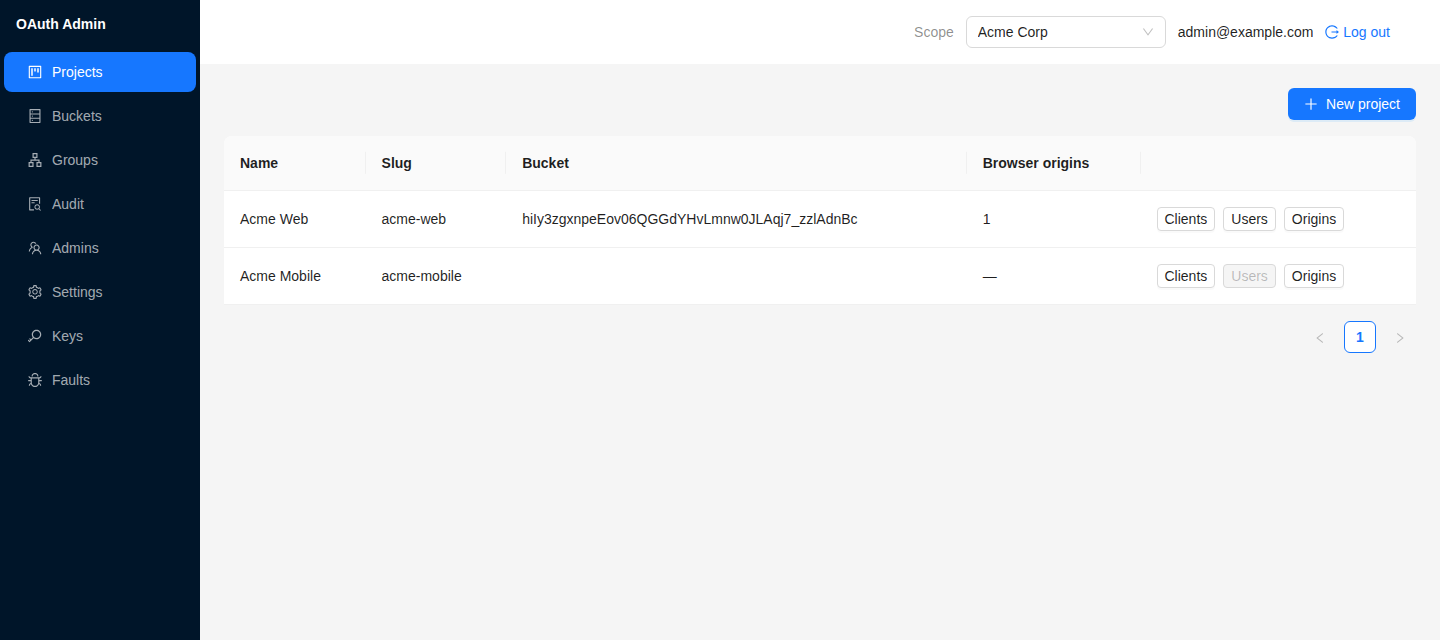
can be neither withdrawn nor deactivated. Any other administrator creates projects, the applications
and APIs in them, and teams, invites people into their regular teams by e-mail, and reads the audit trail and Usage
for their own teams. Ownership is by team: belonging to a project’s owning team is what grants access to
it. Teams and project ownership has the details.
Every state-changing action, the console’s and an agent’s alike, is written to an append-only audit trail before the mutation, naming the actor, the action and the target. The store exposes no update or delete.
If what you found is a security problem instead of a configuration one, our disclosure policy and contact are on the security page.